Davinci Pages
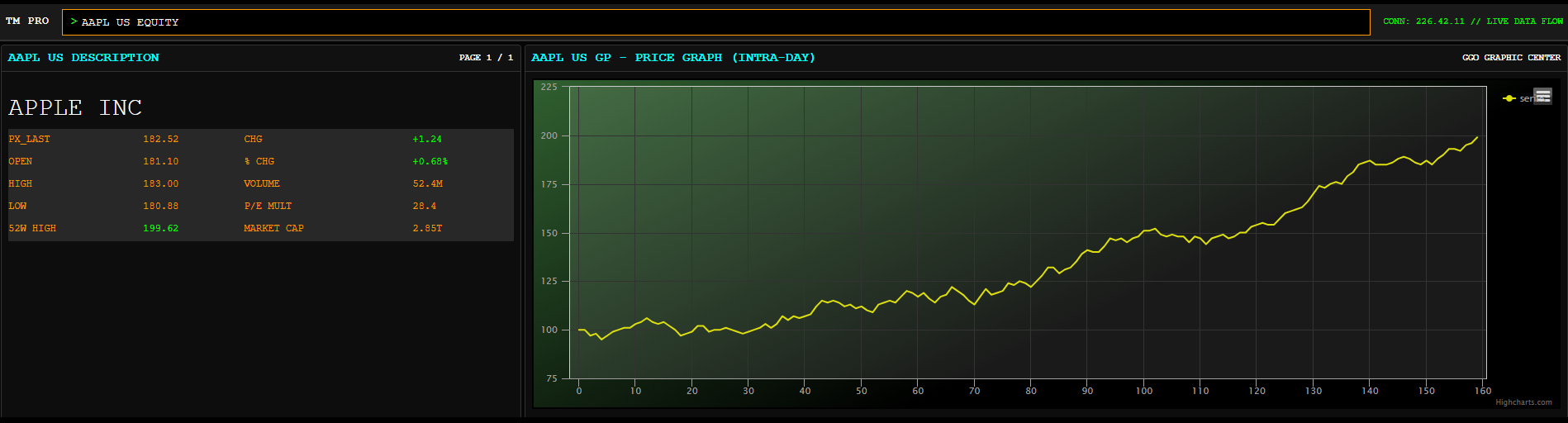 The page editor is an app that gives you the ability to build web pages and interactive reports and dashboards.
It is accessible from the
home app,
by clicking the "new page" button.
The page editor is an app that gives you the ability to build web pages and interactive reports and dashboards.
It is accessible from the
home app,
by clicking the "new page" button.
When you first open the page editor, you are presented with a blank canvas on which to create place page components.
There is a limit to the size that a page saved on the davinci server can be. In general, this is only an issue if the page contains embedded data, in which case, the size of the data becomes the limiting factor. As a general rule, it is better to link data into a page instead of embedding. (For example, embedded data has size limitations and also bypasses the data security framework.)
Overview
The page editor is an app that gives you the ability to build web pages and interactive reports and dashboards.
It is accessible from the
home app,
by clicking the "new page" button.
When you first open the page editor, you are presented with a blank canvas on which to create place page components.
Creating and Editing Pages
- Visual Studio - pages can be created within Visual Studio, using either the online page editor, or by creating an HTML document.
- Online Page Editor - a browser based editor for creating daivnci pages.
Saved Pages
Pages can be saved up to the davinci server, or to your local hard drive. The format of the saved page is JSON data that specifies the components in the page. The contents of a saved page file can be inspected and changed.There is a limit to the size that a page saved on the davinci server can be. In general, this is only an issue if the page contains embedded data, in which case, the size of the data becomes the limiting factor. As a general rule, it is better to link data into a page instead of embedding. (For example, embedded data has size limitations and also bypasses the data security framework.)