Running Test Scripts
Oftentimes on the davinci site, you will be provided with a means to test a script by running the script yourself. You will often be presented with a script text area, such as the one below, with the script pre-filled in the text area. To run the script, just press the run button. The script area is editable, so you can edit the script and re-run by pressing the run button again and seeing the difference in output. Alternatively, you can insert a debugger statement and open the browser's debugger so that you can step through the script yourself. For more information about running the debugger, see here.
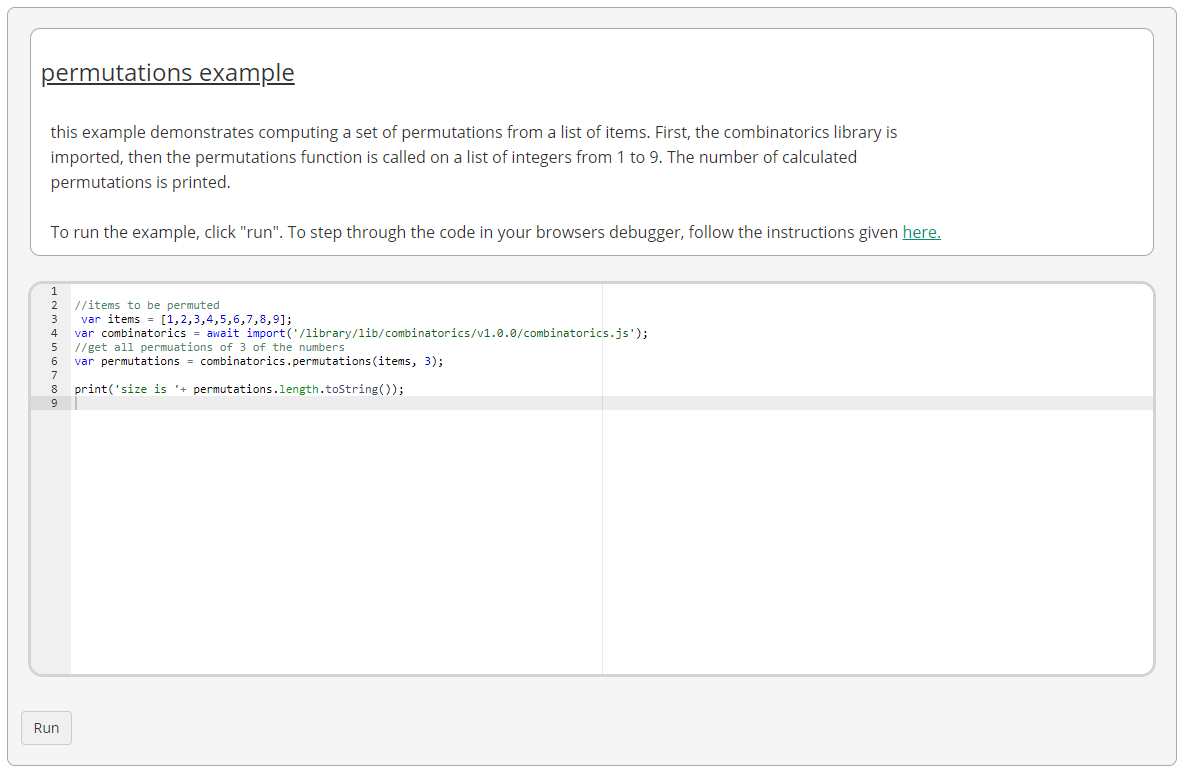
Usually a script will end with a call to "print". The print function takes a string input and prints it out to the console, which is the small rectangular area underneath the script text area. Most scripts you encounter will provide a call to print in order to output the results of the script to the screen.
