Overview
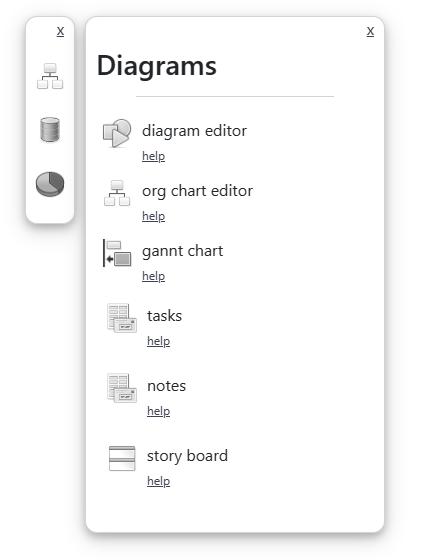 The blog control window is opened by the control box
when a user opens a widget that contains a set of components.
The blog control window is opened by the control box
when a user opens a widget that contains a set of components.
Control Window
The control window service is made available to a toolbox in the $run method as a parameter.
export async function $run($services){
	const $controlWindow = $services.$controlWindow;
}
Lastly, you can add html to the window through the header method, which will set the header content to the inputted html.
$controlWindow.open();
let html = 'Some header content here'

$controlWindow.content('');
$controlWindow.header(html);
Control Window
The next step is that you may want to add items to the control window that a user could click or drag and drop in order to execute some action, like adding a component to the blog.
To do so, you can call the dragComponent method, pass it some html content, an Id that represents the top level div of that content, and a callback that gets called when the user clicks or drags the component. This will add the content to the control window and will call the callback when the user takes an action.
The following is sample code that calls this method.
let Id = $util.guid();
let content = `<div draggable="true" id="` + Id + `-parent"><div class="control-widget" id="` + Id + `"><div style="display:flex;flex-direction:row;"><div style="width:50px;"><img  class="" style="width:30px;display:block;margin:auto;" src="/chart_area_2d-bw.png" /></div><div style="flex:1">line chart</br><a style="font-size:12px;margin-right:5px;" target="_highlinechart" href="/server/help.html" >help</a></div></div></div></div>`

let callback = async function (params1) {
  let params = { ...component config here };
  params = await $page.add(params);
  if ($page.selectable() && !$page.fix()) $page.select(params[0].id);
};
$controlWindow.dragComponent(content, Id + '-parent', callback);