Overview
The code library is a repository of javascript script libraries that can be imported into your desktop or page and used in your own code. Scripts are written and posted by members of the communityCode Editor
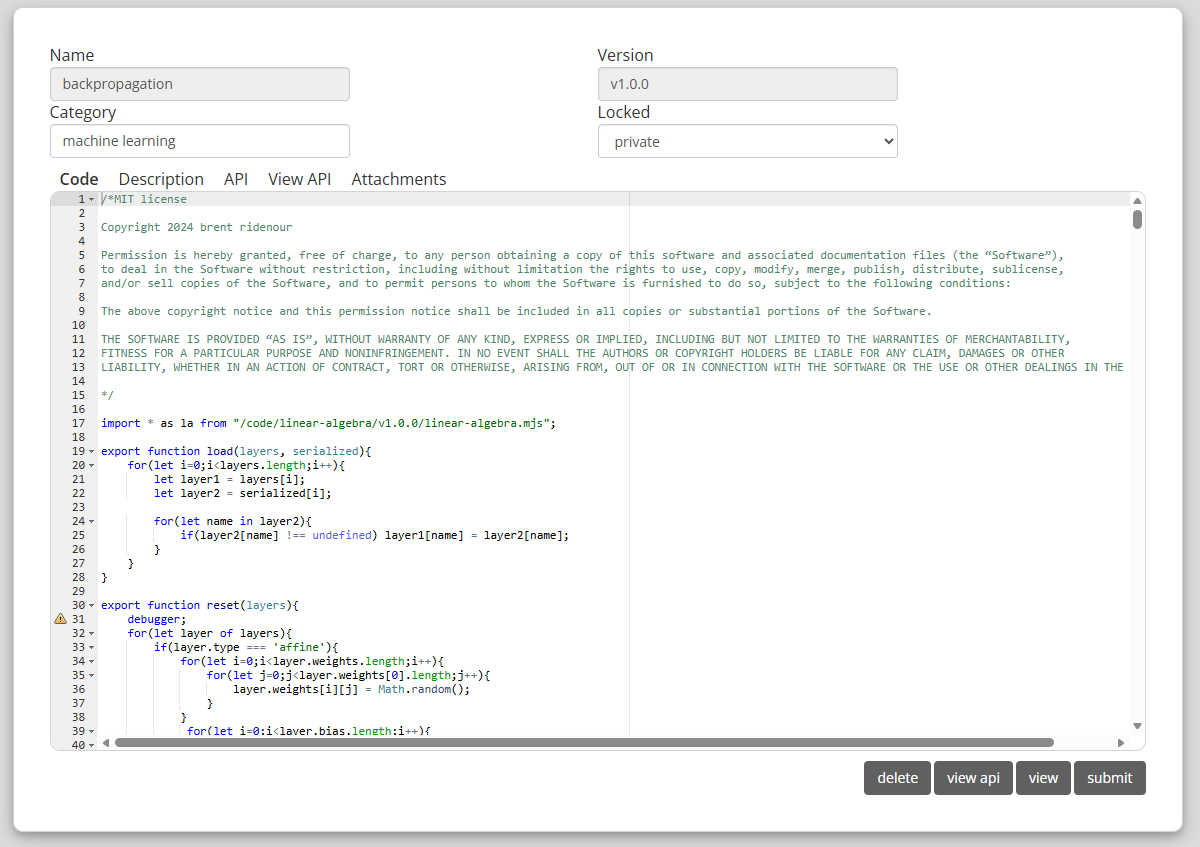
LIbrary scripts are edited using the code editor. To create a new script, click the code submission button. This will bring you to the code editor. It consists of- A Javascript editor - representing the primary file containing the code
- A description - a text area where a description of the code can be entered, which is displayed with the code link in the library page.
- API - a text area where you can enter a javascript object that contains information about the script that can be used to automatically generate an API page.
- View API - formats the API object for easy display
- Attachments - any scripts representing modules that the code depends upon.
Editing Posted Scripts
When you post a script to the library, you can select whether the post represents a final submission that cannot be further edited, and if you allow it to be edited, who can edit the script. The Locked drop down box lets you select which option applies.- private - the script is editable by you alone
- public - anyone can edit the script
- locked - the script is locked and can no longer be edited
Locking a script is useful because it indicates to users of the script that the script will not change and they can depend on the stability of the script.
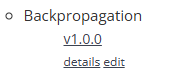
If the script is editable, you will see an edit link underneath the script link in the library.