Overview
The logicstic regression app gives you a visual interface for creating a logistic regression against a dataset. To start, choose a data set from the drop down list.
- Precision - the logistic regression will run until it achieves the given precision
- Max Runs - the regression will stop after it is done as many iterations as the max runs, even if it hasnt achieved the specified precision.
Choose the y variable. This is the dependent variable. Then choose the parameters against which it is regressed. You choose the independent variables by selecting the column name in the x drop down box and clicking the add parameter button. This adds the variable to the list of parameters. Next to the parameter is an initial value that is taken when running the regression. You can manually edit this value.
Video Demos
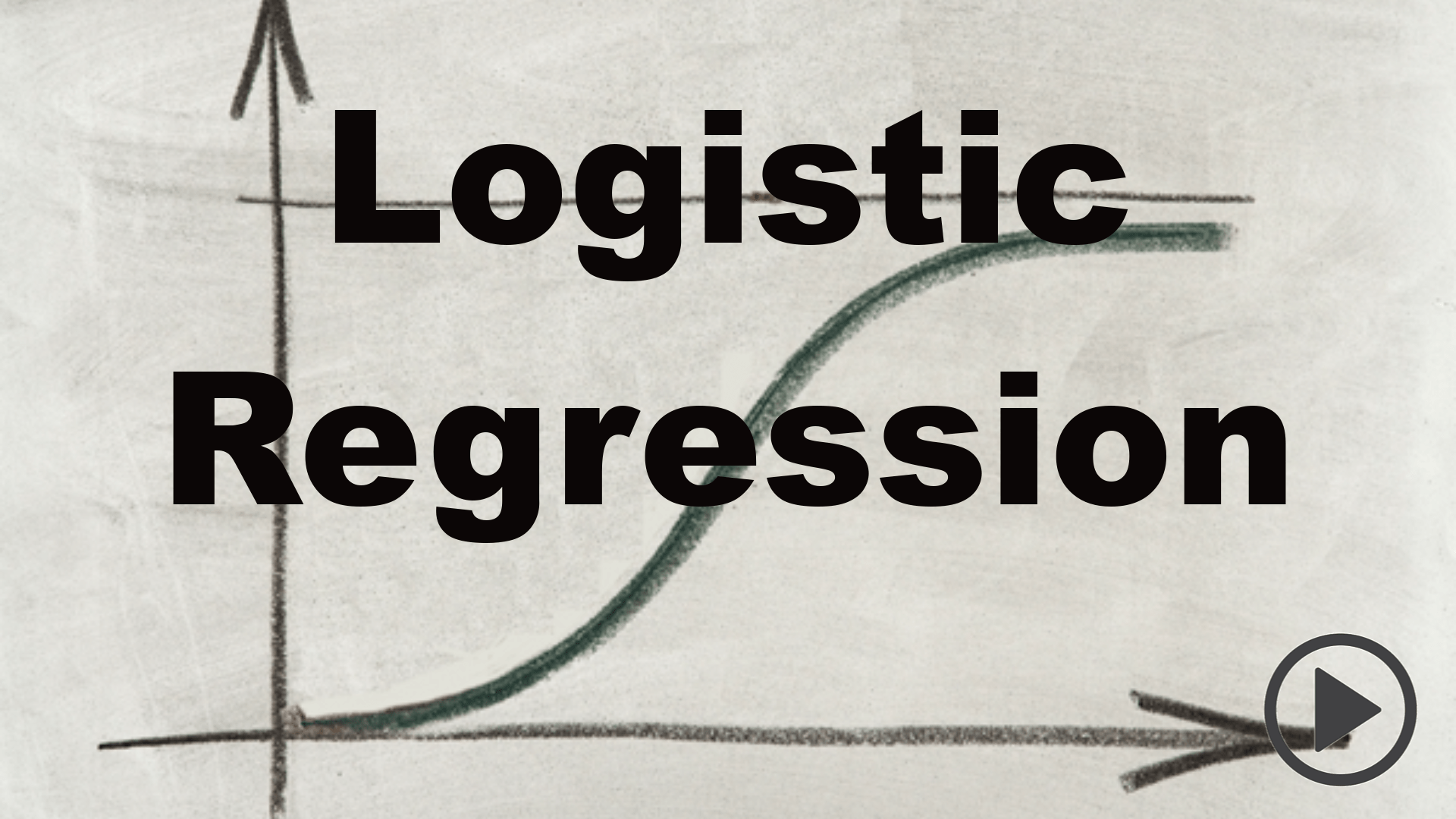
Logistic Regression App